A newly identified iPhone spyware variant called P7 DarkSword can steal saved credentials, photos, Apple Notes and cryptocurrency wallet data, according to a report from Fox News. The good news: updated iPhones are protected against the known DarkSword exploits. Outdated devices may still be at risk. So the most useful thing you can do today is a quick check of your own phone, and that takes a few minutes.
This guide covers what the spyware reportedly goes after, why your iOS version matters most, and a short checklist to run through now.
What P7 DarkSword Reportedly Targets
Per Fox News, P7 DarkSword can pull several kinds of sensitive data from an infected iPhone:
- Saved passwords and credentials
- Photos
- Apple Notes
- Cryptocurrency wallet data
The report also says the spyware checks for commands every 15 seconds. In plain terms, that means it doesn't just grab data once and leave. It keeps checking in for new instructions, which is part of what makes spyware like this unpleasant.
That list is a reminder of how much lives on your phone. Passwords, financial access, private photos and half-finished notes (which many people use as a catch-all for sensitive scraps) all sit in one place.
Step 1: Check Your iOS Version First
This is the single most important step. According to the report, updated iPhones are protected against known DarkSword exploits. Devices that haven't been updated may remain exposed.
Here's what to do:
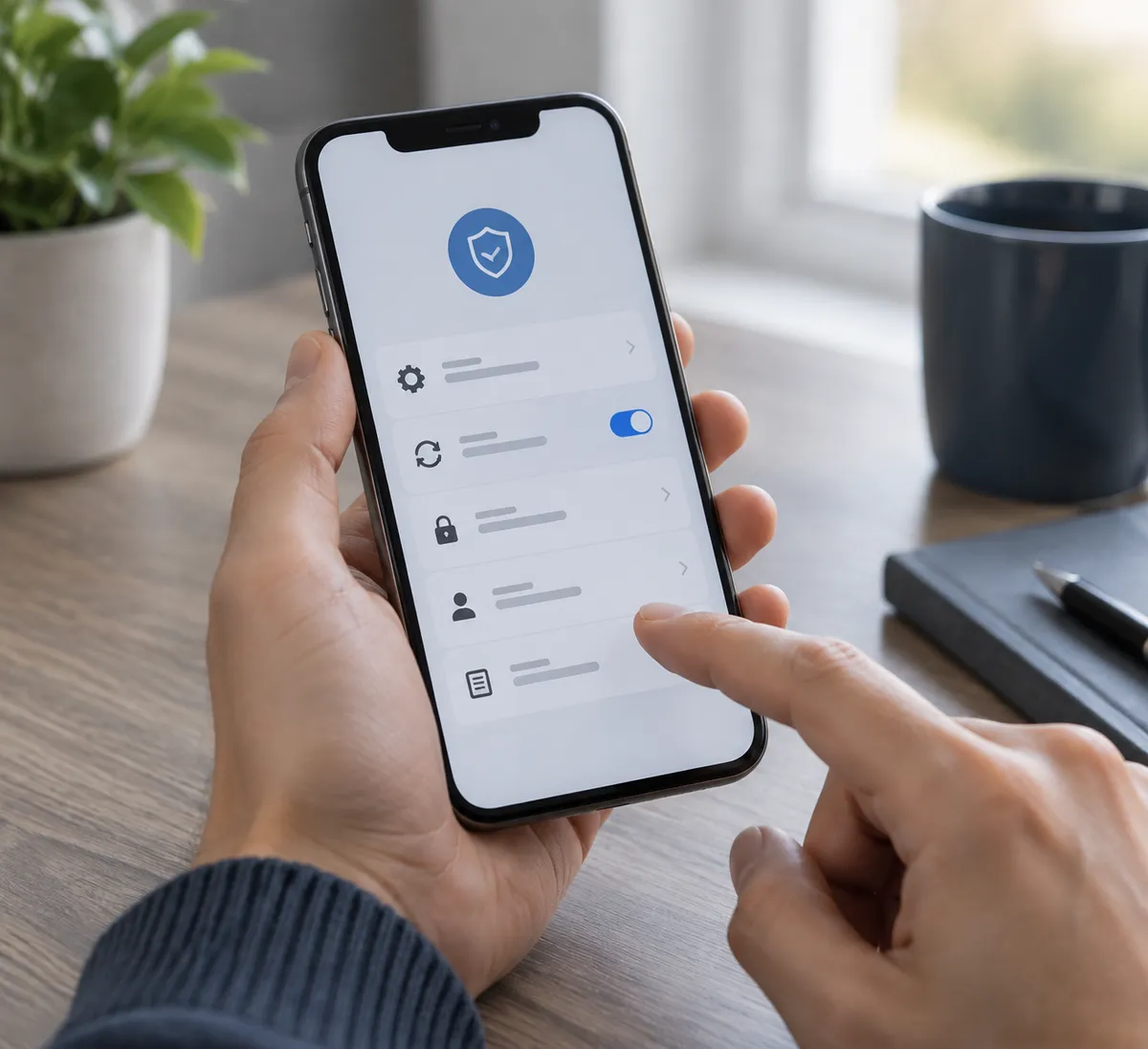
- Open Settings > General > Software Update.
- If an update is available, install it. Plug in your phone and use Wi-Fi first.
- Turn on Automatic Updates on the same screen so you don't have to remember next time.
If your iPhone is too old to receive the latest iOS version, that's worth taking seriously. Phones that no longer get updates can't pick up new protections, and that's the situation where "outdated" becomes a real problem rather than a nagging notification.
Step 2: Audit What You Keep in Apple Notes
Apple Notes is on the reported target list, and it's where many of us quietly stash things we shouldn't: recovery codes, wallet seed phrases, a PIN or two, a photo of a card.
Spend two minutes scrolling through your notes and ask a simple question: if someone read this, what could they do with it? Anything that answers "a lot" should move to a dedicated password manager or, for crypto recovery phrases, offline storage rather than a note on your phone.
This isn't about panic. It's about not keeping a master key in the most convenient place.
Step 3: Rethink Where Your Crypto Details Live
The report specifically mentions cryptocurrency wallet data. If you hold crypto and manage it from your iPhone, take a look at how it's set up.
- Don't store seed or recovery phrases in Notes, Photos or screenshots.
- Keep only the amounts you actively need in any phone-based wallet.
- Consider a hardware wallet for anything you intend to hold long term.
These are general good-hygiene steps rather than anything tied to DarkSword's technical details, which the report doesn't go into. But they shrink the damage if any phone-level compromise ever happens.
Step 4: Clean Up Saved Passwords
Saved credentials are another reported target, so it helps to know what's actually saved.
Go to Settings > Passwords and look at the list. Remove accounts you no longer use. For your important ones (email, banking, Apple ID), make sure each has a unique password and that two-factor authentication is switched on. If a credential does leak, a unique password and a second factor keep one theft from becoming ten.
Step 5: Review Your Photo Library
Photos are on the list too. Scroll through for images that carry more risk than memory value: pictures of IDs, passports, insurance cards or screenshots of account details. Delete them or move them somewhere more protected. Also check Recently Deleted, because removed photos linger there for a while.
Why This Matters Beyond One Spyware Strain
Fox News frames the discovery against a wider concern: mercenary spyware tools spreading beyond elite targets to broader criminal use. That's the reporting's framing, and it fits a trend worth watching. Tools once associated with a small number of high-profile targets can eventually show up in more ordinary hands.
Our read: you probably aren't a special target, but you don't need to be one for the basics to pay off. Updates, tidy storage and unique passwords protect you against this specific threat and a lot of others at the same time.
A Quick Note on Staying Calm
Nothing in the report suggests you should assume your iPhone is infected. The reported situation is that known DarkSword exploits are covered on updated devices. The risk sits mainly with phones that haven't been kept current. If your phone is up to date, you've already handled the biggest piece.
Your Five-Minute Checklist
- Update iOS and turn on automatic updates.
- Move sensitive notes into a password manager.
- Keep crypto recovery phrases off your phone.
- Delete unused saved passwords and enable two-factor authentication.
- Purge photos of IDs and account details.
Start with the update. Open Settings right now, check the version, and install anything waiting. Everything else on this list is a bonus.