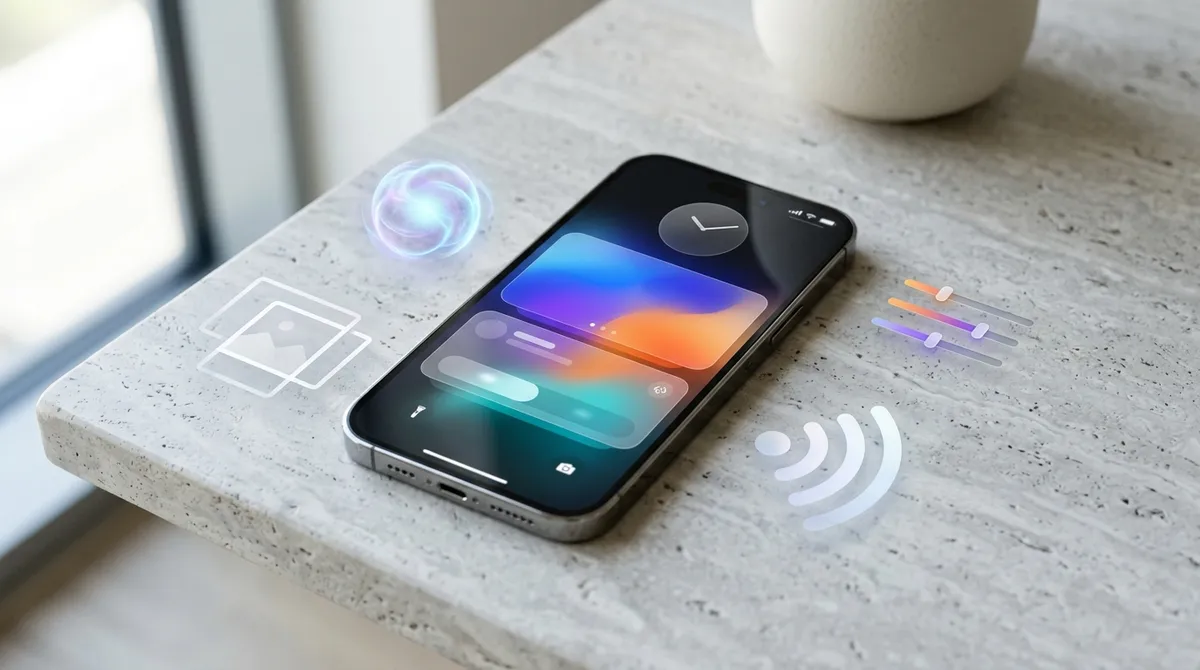
The iOS 27 public beta dropped after WWDC, and if you've been holding a running list of things Apple should have fixed years ago, this update is going to feel satisfying. Marques Brownlee went hands-on with the release, and the headline is this: iOS 27 isn't a dramatic reinvention — it's a focused refinement that quietly clears a backlog of long-overdue improvements while pushing the camera and AI story forward in meaningful ways.
Here's what the update actually delivers, and whether it's worth installing the beta right now.
The "Frickin' Finally" Fixes Are Real
Let's start here, because these are the features that'll make you wonder why they took this long.
Apple has finally separated alarm volume from your ringer volume. Yes, really. No more waking up to a deafening alarm because you cranked your phone for a video earlier. You can now control alarm volume independently — a fix that has lived on iPhone wishlist threads since roughly 2012.
Wi-Fi switching has also been addressed. iOS 27 reportedly improves how the phone handles moving between networks, which should cut down on the maddening experience of your iPhone clinging to a weak signal when a stronger one is available.
CarPlay gets a scrubbing fix, and AirPods finally gain an EQ setting. If you've ever wanted to tune your AirPods bass without downloading a third-party app, that option is now built in. These aren't headline-grabbing features, but they're the kind of thing you'll notice every single day.
Photos Gets Genuinely Useful AI Tools
The camera and photo editing side of iOS 27 is where Apple is making a more aggressive push, and three tools stand out.
Clean Up gets smarter. The object-removal tool that debuted in iOS 18 has been improved — the brief doesn't detail the specific upgrade, but the implication from Brownlee's framing is that it handles more complex removals with better results.
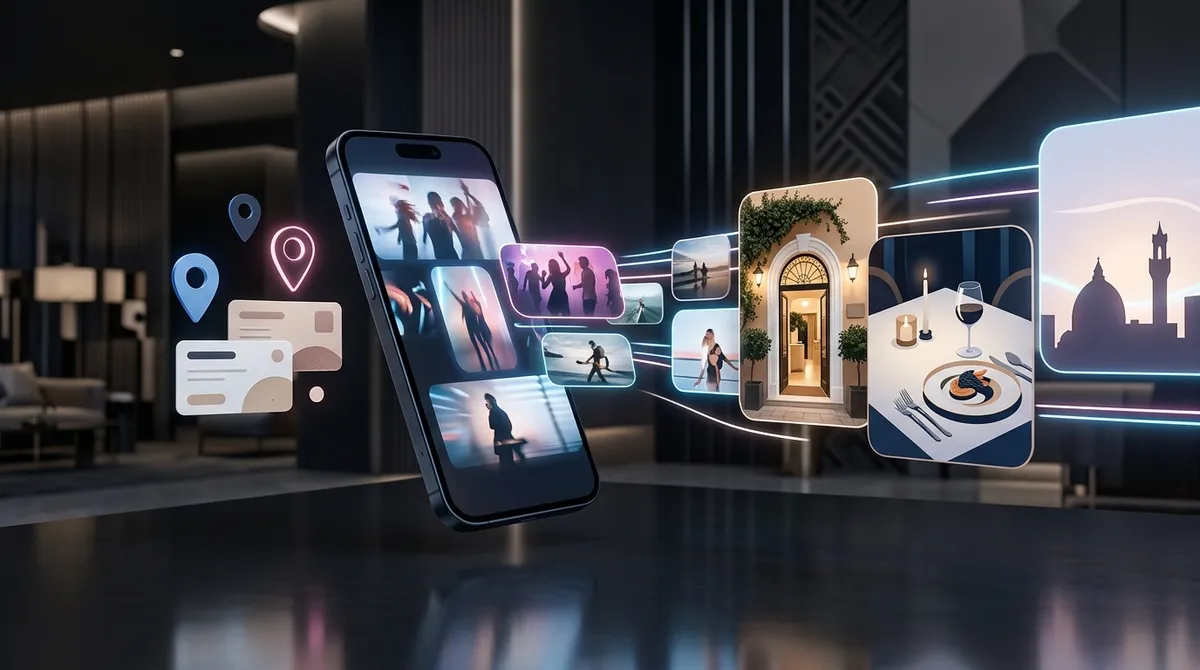
Extend is the new one to watch. Think of it as generative fill for your iPhone photos — the kind of tool that lets you expand the edges of an image beyond its original frame. This puts iOS squarely in competition with what you'd previously need desktop software to accomplish.
Spatial Reframe is aimed at iPhone 16 Pro and Vision Pro users, letting you reframe spatial photos after the fact. If you've been shooting spatial content and wishing you had more flexibility in post, this is a direct answer to that.
Taken together, these three tools push iPhone photo editing meaningfully closer to what a desktop workflow offers — without leaving the Photos app.
Liquid Glass Gets a Customization Slider
The Liquid Glass aesthetic that Apple introduced with iOS 26 is sticking around, but iOS 27 gives you more control over it. There's now a customization slider — so if you loved the look but found it a bit much at full intensity, you can dial it back.
Beyond that, there are icon and readability updates that refine the overall look, and a compact lock screen clock that clears up visual real estate. None of this is dramatic, but the throughline is clear: Apple is iterating on the Liquid Glass design language rather than abandoning it, and giving users more say in how it feels.
Siri Is a Lot More Capable Now
This is the update's biggest swing, and the one Apple needs to land given the pressure it's under from more capable AI assistants.
Siri in iOS 27 gains three things that matter: personal context, screen awareness, and a standalone app.
Personal context means Siri can pull on information specific to you — your habits, your data, your patterns — to give answers that actually fit your life rather than generic responses.
Screen awareness means Siri can see what's on your display and act on it. Ask it to do something with content you're looking at, and it can. This is the kind of feature that sounds obvious in retrospect but changes how you actually interact with the assistant.
The standalone Siri app is a more subtle shift — it signals that Apple is treating Siri as a product in its own right, not just a feature baked into the OS. Whether the underlying intelligence catches up with the interface ambition is the real question, and that's one the beta period will help answer.
Apple is clearly trying to close the gap with Gemini-style assistants, and the combination of personal context and screen awareness is a credible step in that direction.
Should You Install the Public Beta?
The honest answer depends on your tolerance for rough edges.
The case for installing it now: the photo tools — Extend especially — are genuinely new capabilities you can't get otherwise, and if you're curious about the new Siri behavior, the beta is your only way to test it ahead of the official launch cycle. The "finally fixed" basics like alarm volume also work in beta.
The case for waiting: beta software on your primary device always carries risk — app compatibility issues, battery drain, and the occasional crash are par for the course. If your iPhone is a work-critical device, hold off for the stable release.
If you have a secondary iPhone or an older device you can dedicate to testing, that's the ideal setup — you get early access without gambling your daily driver.
Either way, iOS 27 is shaping up to be the kind of update that earns goodwill not by reinventing the wheel but by finally fixing the wheel that's been wobbling for three years. The Extend photo tool and the new Siri capabilities are the features to watch most closely — and the public beta is the first real chance to see whether they hold up in everyday use.